
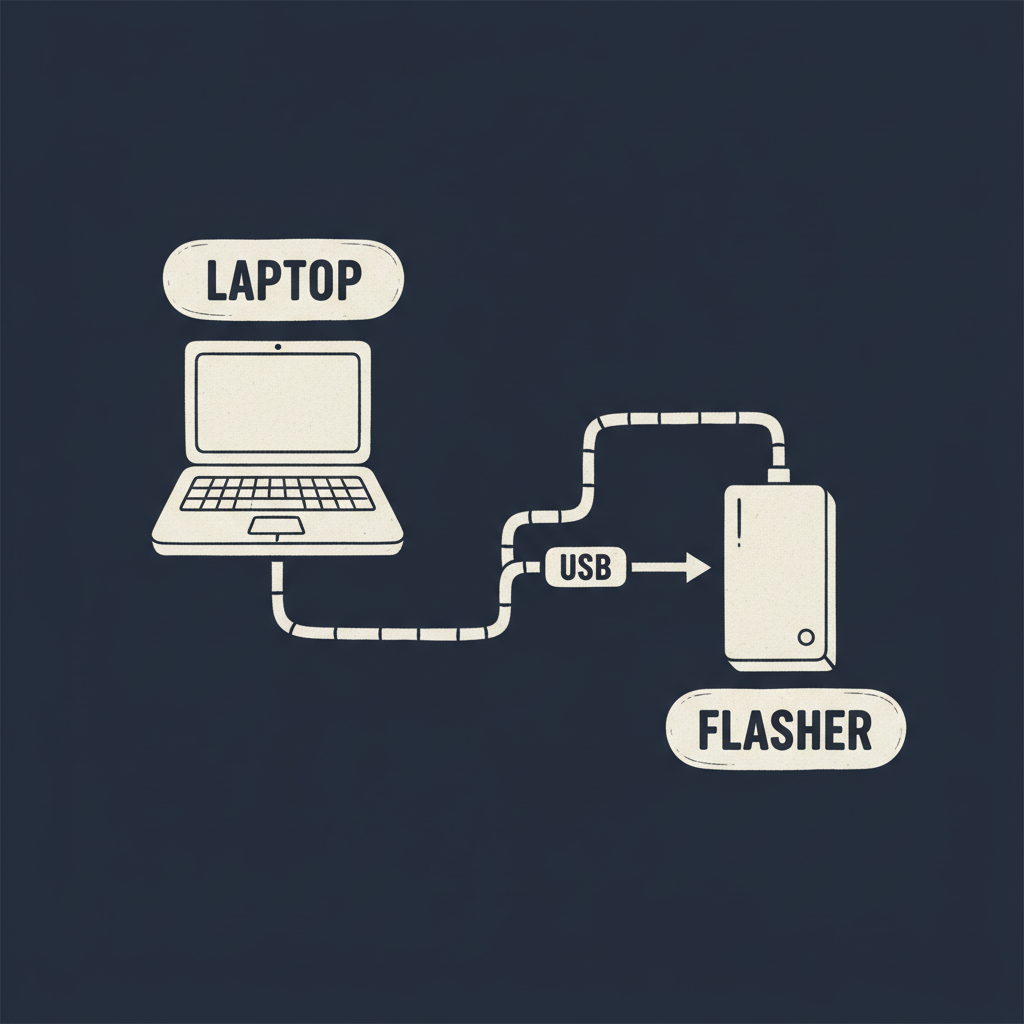
First genuinely hands-on day of the series. I had a node on my bench and Wei told me to flash it myself using flasher.siliqs.net instead of walking me through it, which was the right call — I learned more from the one dumb mistake I made than I would have from watching.
The dumb mistake: I opened it in Firefox first, out of habit, and the page told me it couldn't do what it needed to do. I switched to Chrome and it worked. That sent me down a small rabbit hole on why, since I don't like doing something just because I was told to switch browsers.
The tool uses Web Serial — a browser API that lets a web page talk directly to a device over a serial connection (in this case, over USB) without needing a separately installed driver or desktop app. That's genuinely useful for something like a flashing tool: no "download and install our flashing utility for your OS" step, just open a page and plug in a cable. But Web Serial is only implemented in Chromium-based browsers right now — Chrome, Edge, that family — which is why Firefox just didn't have the API available at all. Not a bug, just a browser support gap I didn't know about until today.
The HTTPS requirement is the other piece I wanted to actually understand rather than just accept. Browsers gate powerful hardware-access APIs like Web Serial behind "secure contexts" — pages served over HTTPS (or localhost, for local development) — specifically because a page that can talk directly to a USB serial device is a page that could do real damage if it were malicious or compromised over plain HTTP, where a network attacker could tamper with the page content in transit. So the HTTPS requirement isn't incidental to the tool, it's part of what makes the browser willing to grant that level of device access at all.
The actual flashing process, once I had the right browser and HTTPS was a given: plug the node in over USB, let the page detect the connected device, pick the right product and firmware version from what it offered, and then watch a progress indicator while it wrote the image and the node presumably verified and rebooted into it. I'm being vague on the exact screen layout on purpose — I don't want to write down button labels from memory a week from now and have them be wrong. The part that mattered to me wasn't the click sequence, it was understanding that under the hood this is doing the same kind of two-slot-aware firmware write I read about back on day 21, just triggered over USB instead of over the air.
One thing I want to double-check with Wei before I trust myself fully here: what happens if a flash gets interrupted partway — cable pulled, browser tab closed, whatever. I didn't test that today because I didn't want to risk bricking my one bench unit on day one, but "what's the recovery story" feels like exactly the kind of question I should have an answer to before I'm doing this on customer hardware.
系列裡第一個真正動手的一天。我桌上有一台 node,Wei 沒有帶著我做,而是叫我自己用 flasher.siliqs.net 燒燒看——這個決定是對的,我從自己犯的那個蠢錯裡學到的東西,比在旁邊看他操作學到的還多。
那個蠢錯是:我習慣性地先用 Firefox 打開,結果頁面說它做不到需要的事。我換成 Chrome 就正常了。這讓我小小地鑽研了一下為什麼,因為我不喜歡「別人叫我換瀏覽器我就照做」這種事。
這個工具用的是 Web Serial——一個讓網頁能直接透過序列埠連線(這裡是透過 USB)跟裝置溝通的瀏覽器 API,不需要另外安裝驅動程式或桌面應用程式。對燒錄工具這種東西來說這真的很好用:不用「先幫你的作業系統下載安裝我們的燒錄程式」,開頁面、插線就好。但 Web Serial 目前只有 Chromium 系的瀏覽器有實作——Chrome、Edge 這一系——所以 Firefox 根本沒有這個 API 可用。不是 bug,只是我今天之前不知道的一個瀏覽器支援落差。
HTTPS 的要求是我另外想真的搞懂、而不是照單全收的部分。瀏覽器會把像 Web Serial 這種能直接存取硬體的強力 API 限制在「安全情境(secure context)」底下——也就是透過 HTTPS 提供的頁面(或本機開發用的 localhost)——具體原因是:一個能直接跟 USB 序列裝置對話的頁面,如果是惡意的,或者是在普通 HTTP 下被中間人竄改過內容,是可以造成實質傷害的。所以 HTTPS 這個要求不是這個工具附帶的枝節,而是瀏覽器願意授予這種裝置存取權限的前提之一。
實際燒錄流程,在瀏覽器對了、HTTPS 已經是既定條件之後:把 node 用 USB 接上、讓頁面偵測到裝置、從它列出的選項裡選對產品跟韌體版本,然後看著進度指示器,讓它把映像檔寫進去,node 應該會驗證後重開機進入新韌體。這裡我故意講得模糊,沒有寫確切的畫面配置——我不想憑一週後的記憶寫下按鈕文字結果寫錯。對我來說重要的不是點擊順序,而是理解到底層做的其實跟我 day 21 讀過的那種「有雙 slot 概念的韌體寫入」是同一類機制,只是這次是透過 USB 觸發,而不是空中 OTA。
有件事我想在完全相信自己之前先跟 Wei 確認:如果燒錄燒到一半被中斷——線被拔掉、瀏覽器分頁被關掉之類的——會發生什麼事。今天我沒測這個,因為不想在第一天就冒著把我桌上唯一一台測試機弄磚的風險,但「復原機制是什麼」感覺是那種在我真的拿客戶的硬體來做之前,就應該要有答案的問題。